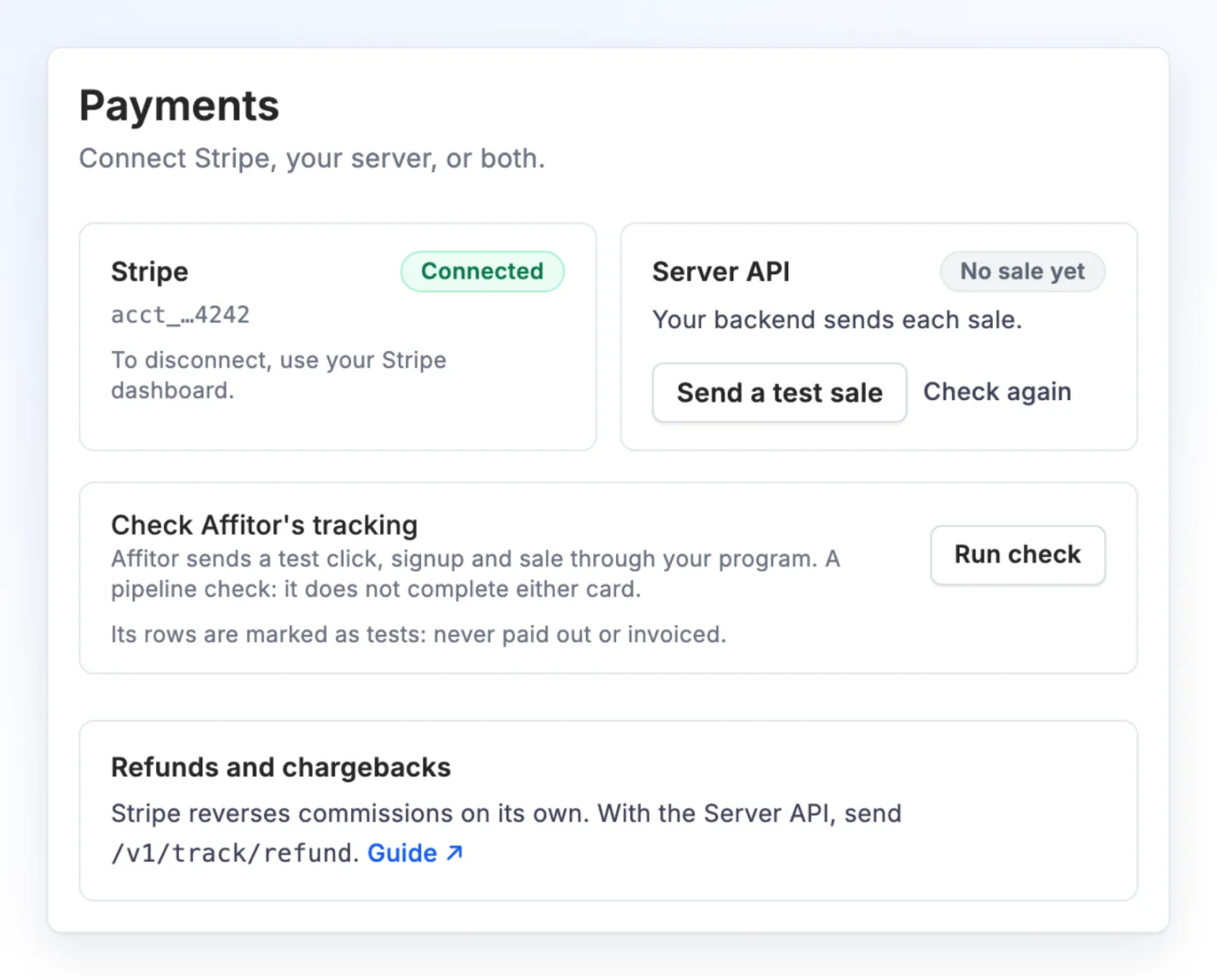
Stripe
Connect Stripe once and Affitor credits sales to the partner who sent the customer. No Stripe webhook or Stripe key to add.
What it does
- Records the one-time Checkout payments and the subscription payments, the first one and every renewal, of customers a partner sent.
- If you create your own Checkout Session, your server adds the click to its metadata. On Payment Links, the Buy Button and the Pricing Table, the Affitor tracker on your page adds it for you.
- A refund or a chargeback in Stripe reverses the commission.
- You allow the connection on Stripe’s own page. Affitor never asks for a Stripe secret key.
Connect in three steps
- In Affitor, open Program settings › Payments.
- On the Stripe card, click Connect Stripe. Stripe opens in a new tab.
- Choose your account and allow the connection. Once Stripe has activated the account, the card says Connected.